Photoreal 3D walkthroughs
Walk through your home before it's built.
Send the 3D model your interior designer made, or just a floor plan and a few photos. Nivas turns it into photoreal renders and a walkthrough you can explore in any browser, on a laptop or a phone.
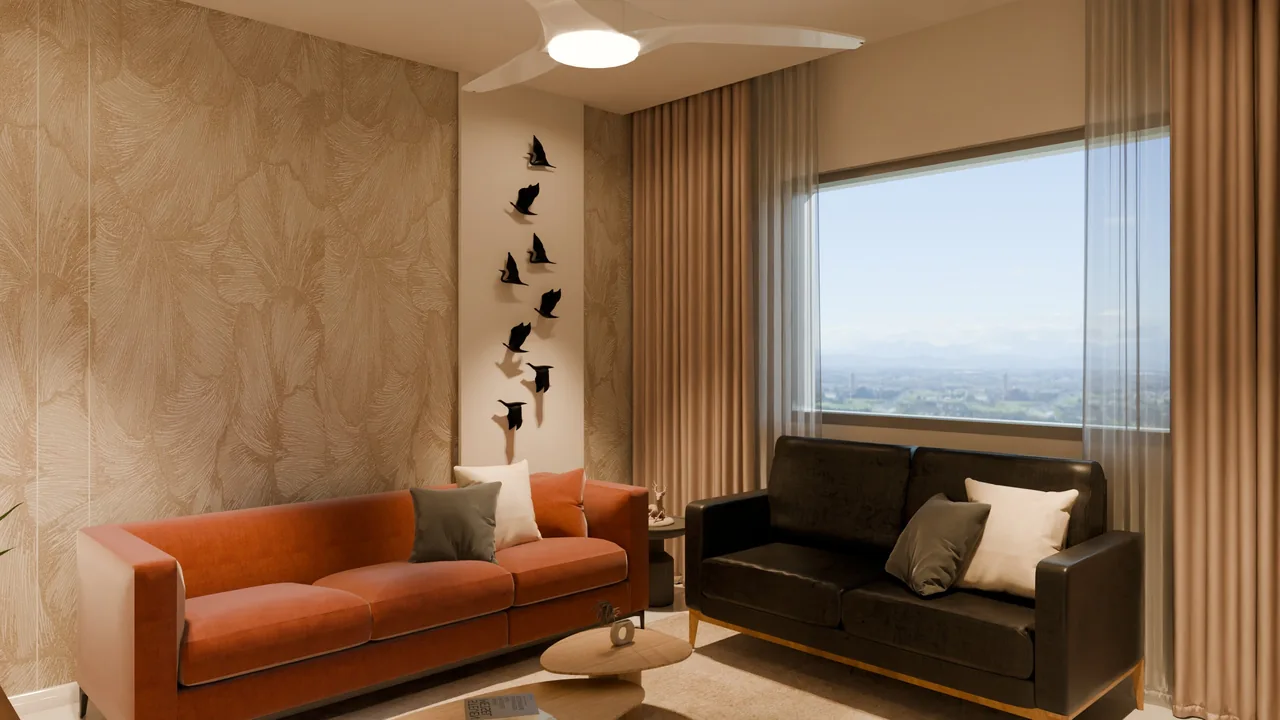
Thirty seconds inside
From the dining area, past the pooja room and into the drawing room. This is the browser walkthrough itself, captured along a set path. The same 3D, the same light, the same steps you could take yourself.
How it works
You don't need to know anything about 3D. Bring whatever your designer gave you.
Share what you have
A SketchUp or Blender model, the designer's PDF, a floor plan, site photos, inspiration pictures. Any mix works.
We render it
Path-traced light, with daylight through your actual windows. Marble, veneer, fabric, metal and glass are rebuilt to behave like the real thing.
Walk it and mark it up
Stand anywhere and look anywhere. Pin a comment on what you'd change; the next round shows it beside the last one.
What you get
Every project comes with all four, so you can share the right one with family, the designer or the contractor.
Photoreal stills
2560 × 1440 renders from every angle your designer saved.
360° views
Panoramas you can turn around in, room by room.
Free-roam walkthrough
Walk the whole home in the browser. Walls and furniture stop you; the light comes from the renders.
Review rounds
Comments pinned to the view, tracked round by round until you sign off.
One flat, every room
All from the same model, with the designer's own camera angles.
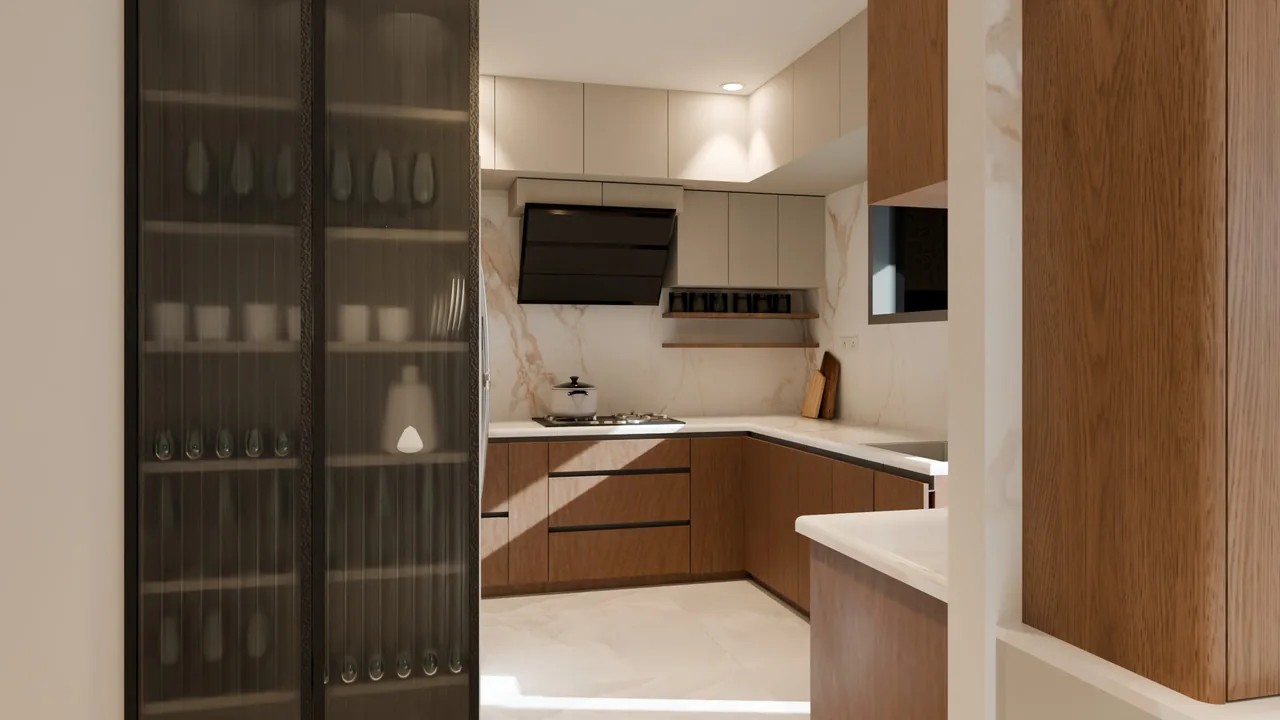
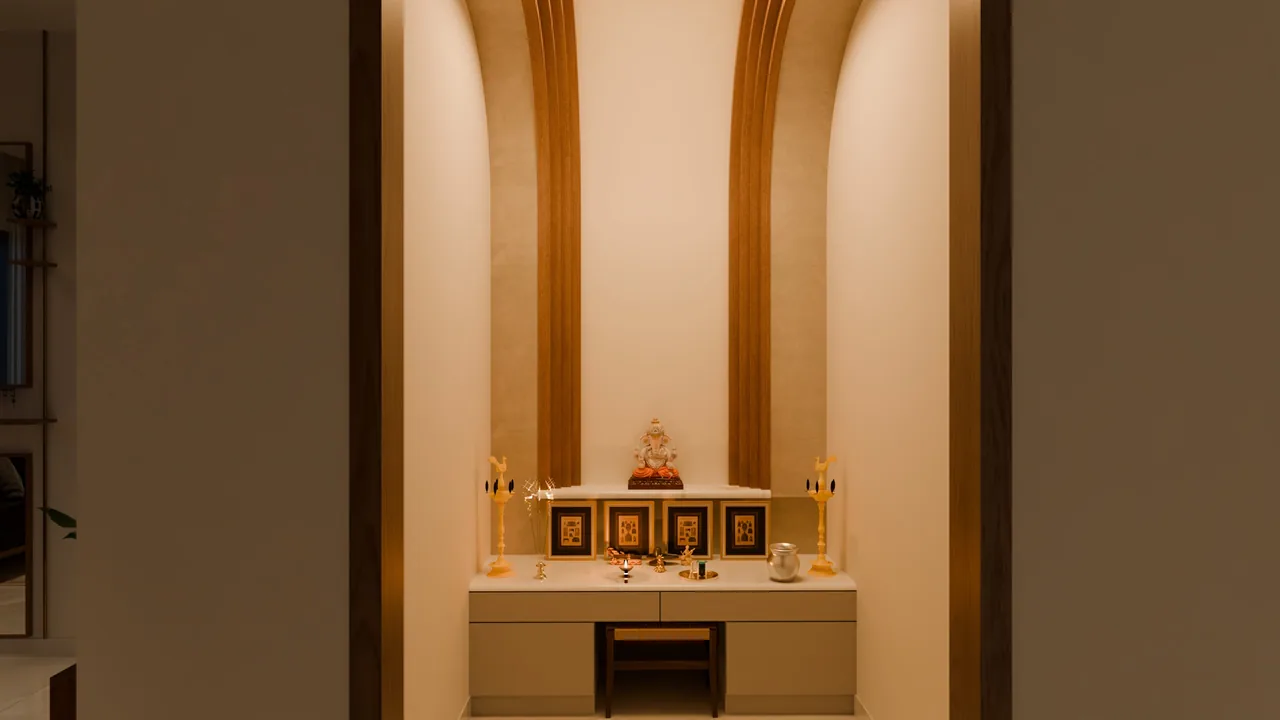
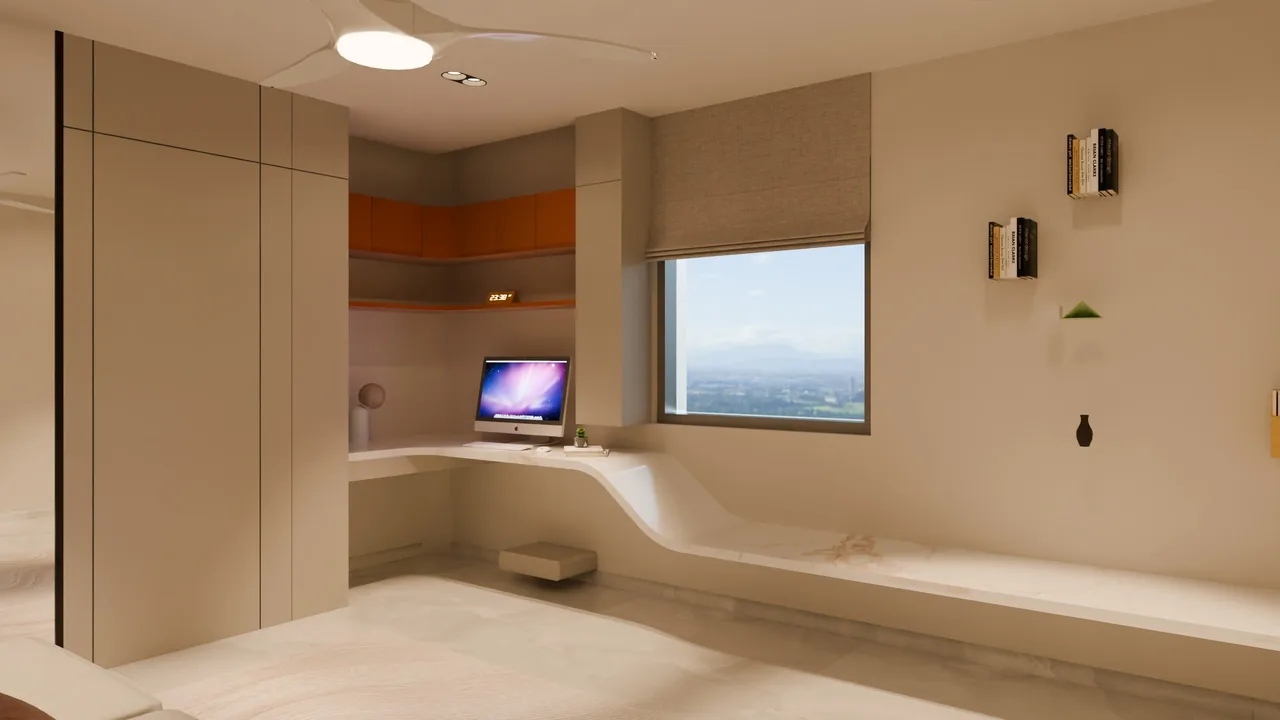
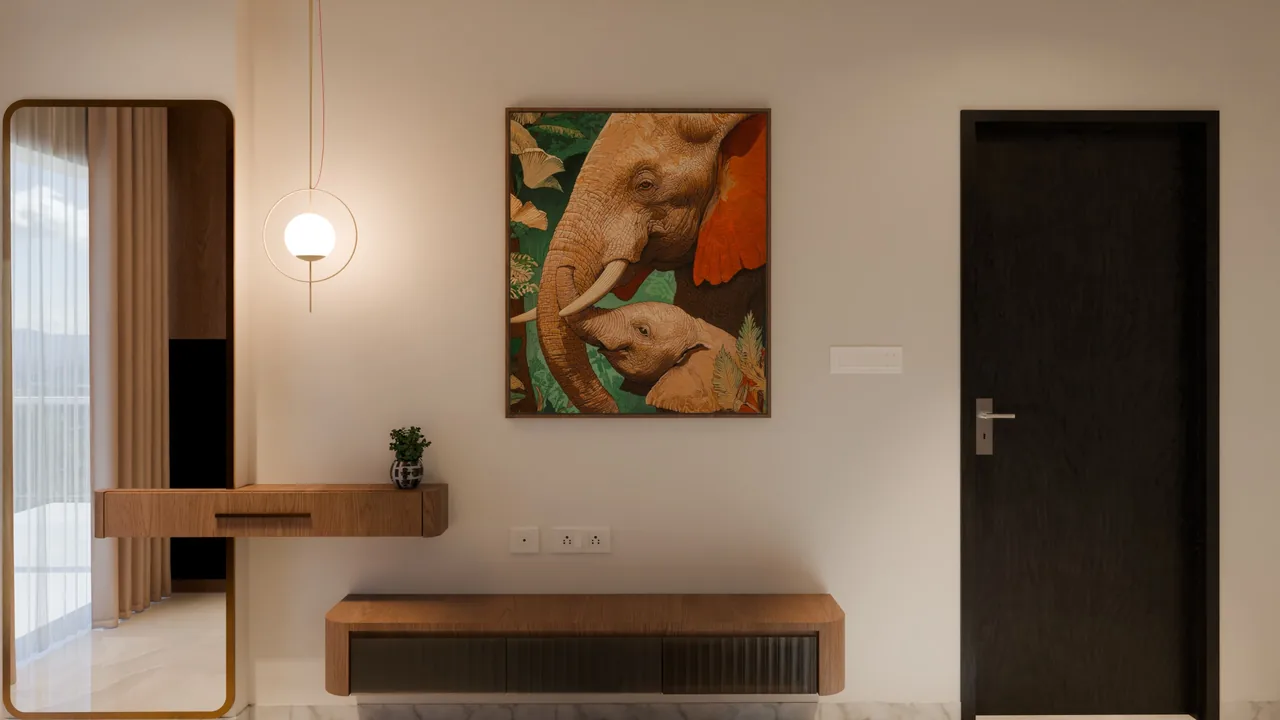
Not a video. You're driving.
The walkthrough runs in the browser with nothing to install. Go into any room, stop at the window, turn around and look at the ceiling. Exposure adjusts as you walk from a bright balcony into a hallway.
The sample is a real family's home, so it's shared by invitation.
- Look
- Drag, or swipe on a phone
- Walk
- W A S D or the arrow keys, or the on-screen stick
- Go there
- Click or tap a spot on the floor
- Jump
- Pick a room from the list or the minimap